Environmental Resource Program (ERP) Permits are processed through the DEP district offices, water management districts and delegated local governments. Some activities are exempt. Please contact a local office for information on permit requirements for your specific project or location. If you want to submit by paper mail, please send the forms to the local DEP district office. If you are mailing large files, please include a CD with an electronic copy of the application
Statewide ERP allows users to submit any type of ERP verification of exemption or permit online. Users can upload supporting documents and pay processing fees online. Options also include submitting payment after and follow up information after the initial application has been submitted online. The applications are submitted through the department's Business Portal. There is a $100 discount to apply using the DEP business portal for an individual/conceptual permit. Please note, the $100 discount for individual/conceptual permit applications does not apply if you do not submit your application through the DEP Business Portal. If your project is regulated by a delegated local program (Broward or Hillsborough county), please contact your delegated local program.
The self-certification process allows the user to enter information and certify that the project is exempt from requiring a DEP permit. There is no fee for using ESSA self-cert. To apply for a self-certification, exemption, general permit, or individual/conceptual permit online, please use the DEP Business Portal.
ERP Online Help provides helpful information and tools to assist applicants in completing the ERP Joint Application for many activities. The links by subject below will directly link you to the applicable ERP Online Help.
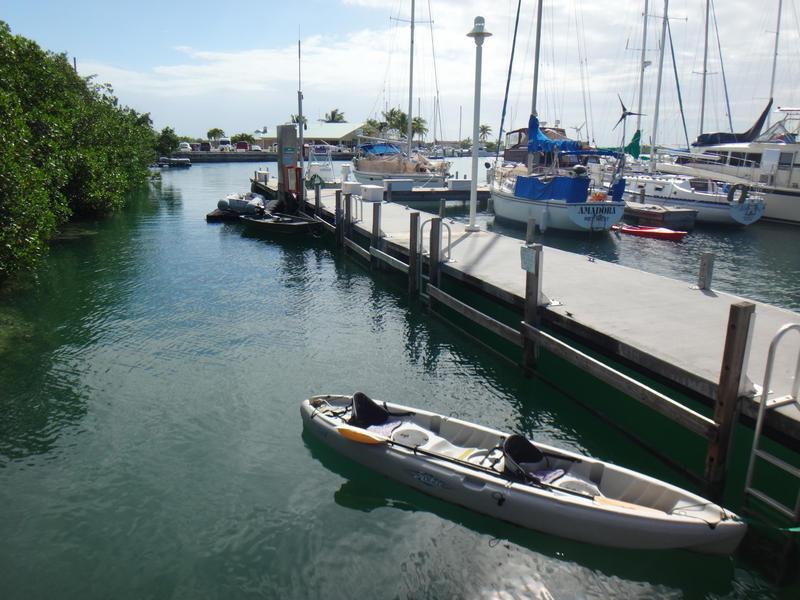 Dock
DockInterested in subscribing to DEP newsletters or receiving DEP updates through email?
Sign UpThe Florida Department of Environmental Protection is the state’s lead agency for environmental management and stewardship – protecting our air, water and land. The vision of the Florida Department of Environmental Protection is to create strong community partnerships, safeguard Florida’s natural resources and enhance its ecosystems.
Learn More