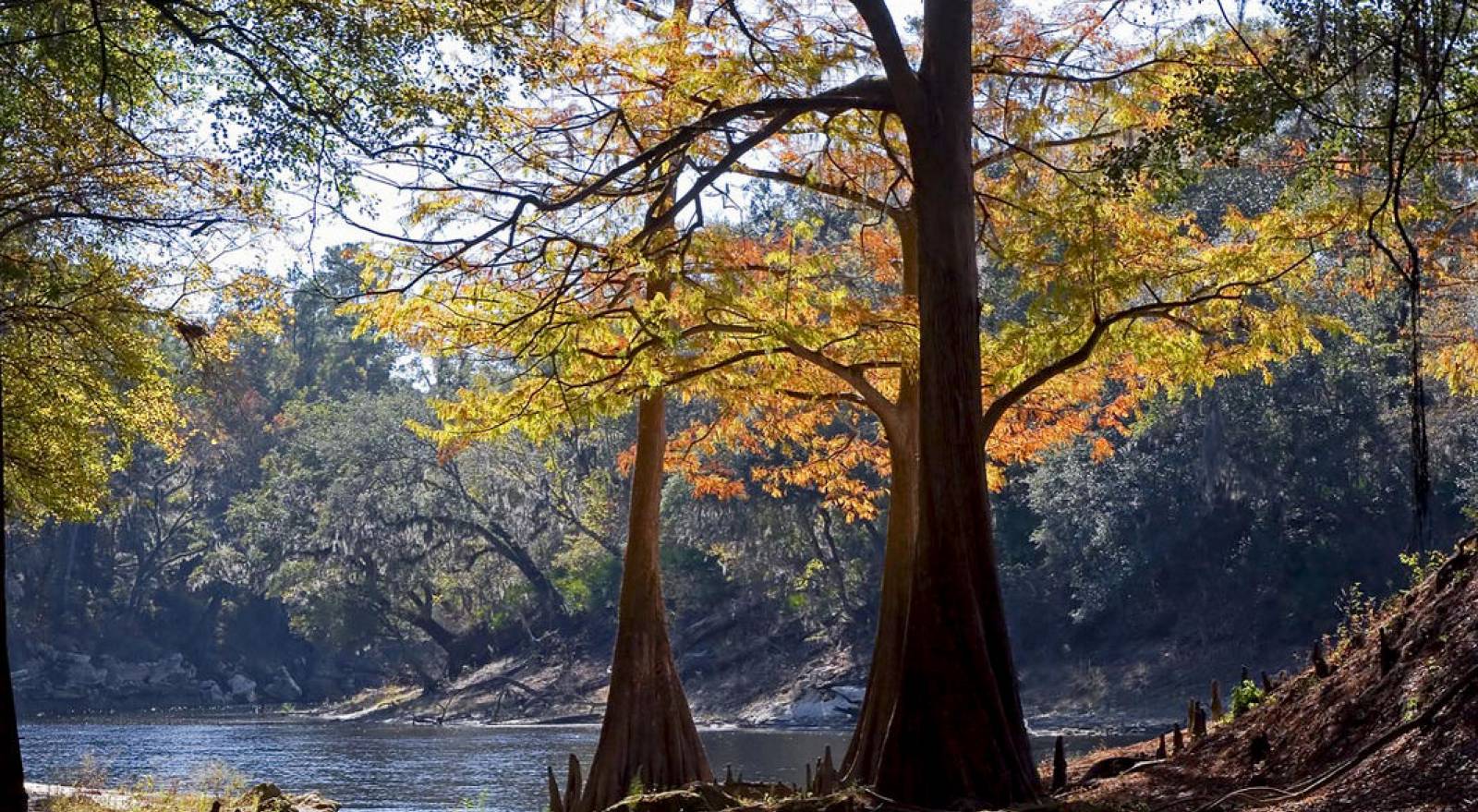
The Florida Department of Environmental Protection’s Division of State Lands is Florida’s lead agency for environmental management and stewardship, serving as staff to the Board of Trustees of the Internal Improvement Trust Fund (Governor and Cabinet).
The division’s role goes far beyond just acquiring lands for protection. It provides oversight for the management of activities on more than 12 million acres of public lands, including lakes, rivers and islands. These public lands help ensure all Florida residents and visitors have the opportunity to truly appreciate Florida’s unique landscapes.
Florida Forever is Florida’s conservation and recreation lands acquisition program, a blueprint for conserving our natural resources and renewing our commitment to conserve our natural and cultural heritage. It replaces Preservation 2000 (P2000), the largest acquisition program of its kind in the United States. With a total of 10.1 million acres of conservation land in Florida, more than 2.4 million acres were purchased under the Florida Forever and P2000 programs.
The Division of State Lands also assists landowners who want to sell land to the state, buy land from the state or gain access to public lands.
Florida Forever is more than an environmental land acquisition program - it is a program shaping the future of Florida. Acquisitions in this program provide a host of ecosystem benefits including water quality and quantity; resiliency to storm impact; habitat and species protection; and outdoor recreation. Through cooperative partnerships, the Florida Forever program will continue as the state’s blueprint for conserving our natural resources. This story map highlights just a small selection of projects led by the program.
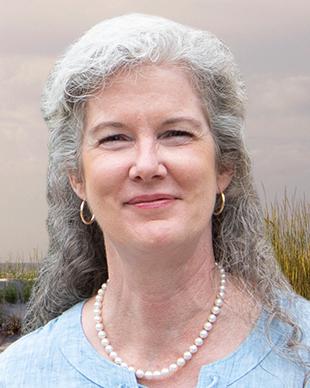
Callie DeHaven, Director, Division of State Lands
Callie DeHaven is a fifth-generation Floridian whose passion for conserving Florida’s historic and natural landscapes led to her dedicating more than two decades to conservation planning, land acquisition and land stewardship. She returned to the department in 2017 to lead the Division of State Lands, Florida’s team of dedicated public land stewards and real estate specialists. Most recently, she spent seven years in the private sector implementing an accelerated conservation land sales program for a timberland landowner, where she led conservation business activities across 1.8 million acres in multiple states.
Prior to that, DeHaven was the public lands protection manager for The Nature Conservancy, where she served as the primary negotiator for acquisition of environmentally sensitive land in Florida’s Panhandle. Earlier in her career she served the public as a planning manager in the Division of State Lands. She was the principal liaison between the department and other state agencies in the development of Conservation and Recreation Lands, Preservation 2000 and Florida Forever projects.
DeHaven’s experience in the public, nonprofit and private sectors and commitment to strong partnerships complements our talented Division of State Lands team as they work to acquire, protect and preserve lands that will greatly benefit outdoor recreation and our natural and water resources across the state.
She graduated from Marymount University, earning a Bachelor's Degree in Liberal Arts with a focus in Legal Studies.
Supports land acquisition, disposition and management by contracting with independent appraisers throughout the state for unbiased opinion of the overall value of property to be purchased or sold.
The Board of Trustees’ real estate administration program that generates revenue for the management, administration, protection and conservation of state-owned lands.
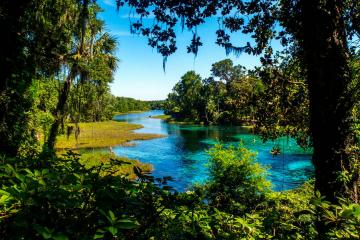
The Bureau of Real Estate Services is responsible for activities related to negotiation, acquisition, disposition, exchange, donation and closing of real property.
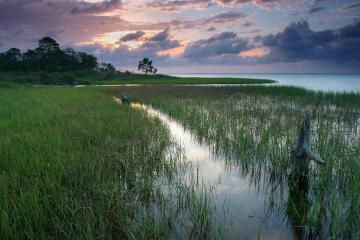
Maintains a repository of land records, determines the location of land and water boundaries, and clearly delineates the boundaries of state-owned lands.
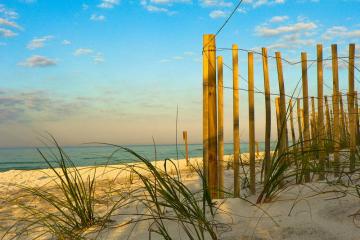
The Florida State Owned Lands and Records Information System (FL-SOLARIS) was developed and implemented to record and maintain the inventory of real estate properties (including both land and...
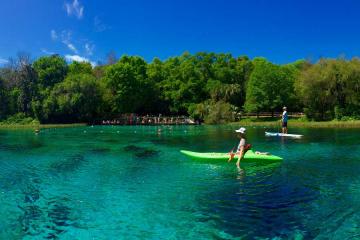
Promotes programs that foster partnerships to enhance and sustain Florida’s natural and cultural resources, and provide increased outdoor recreational opportunities for Florida’s residents and...
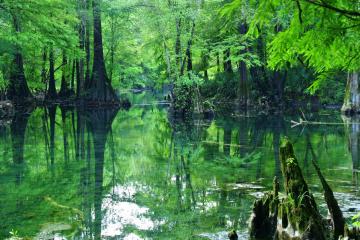
Administers the Florida Forever program, the Acquisition and Restoration Council process, and compliance of land management and planning for all conservation lands owned by the Board of Trustees of...
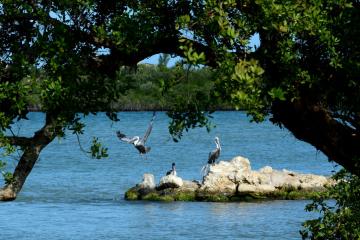
Provides real estate and land management services to the Board of Trustees of the Internal Improvement Trust Fund.
Interested in subscribing to DEP newsletters or receiving DEP updates through email?
Sign UpThe Florida Department of Environmental Protection is the state’s lead agency for environmental management and stewardship – protecting our air, water and land. The vision of the Florida Department of Environmental Protection is to create strong community partnerships, safeguard Florida’s natural resources and enhance its ecosystems.
Learn More