The Florida Geological Survey (FGS) collects, archives, interprets and distributes geologic information to benefit the environment and Florida’s communities. FGS uses geologic, hydrogeologic and related data as well as mapping and modeling to improve understanding of water and mineral resources, and geological hazards such as sinkholes.
Our geoscience products support initiatives related to water-resource conservation and management, improvement of the quality of natural resources and promotion of economic growth.
FGS is committed to continuously increasing the amount and quality of geoscience data and making it available to the public. Collaboration with local, state and federal agency partners ensures a robust and cost-efficient approach to addressing Florida's environmental concerns.
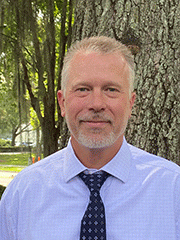
Guy “Harley” Means, State Geologist, Director of the Florida Geological Survey
Harley Means is the state geologist of Florida and the Director of the Florida Geological Survey. He earned both his Bachelor and Master of Science degrees in geology from Florida State University. Mr. Means has served as a board member or delegate for multiple organizations including the Southeastern Geological Society, Gulf Coast Association of Geological Societies and the Florida Paleontological Society and is currently serving on the Florida Board of Professional Geologists.
He has also served on multiple graduate student committees and is a courtesy assistant scholar scientist at Florida State University. He has given more than 100 invited lectures and presentations on a broad range of geologic topics and has authored more than 70 publications and abstracts.
Mr. Means has spent more than 25 years with the Florida Geological Survey providing geoscience information to Floridians and helping them better understand natural systems, improve environmental stewardship and address environmental concerns.
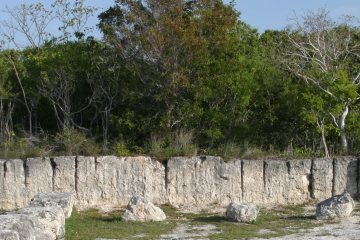
The FGS is dedicated to facilitating a culture of responsible environmental stewardship through outreach activities.
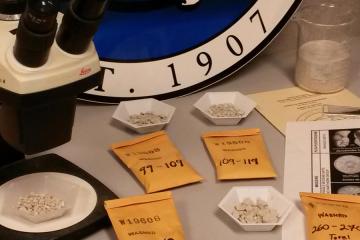
Through its research projects, the Florida Geological Survey collects, interprets and provides objective quality geologic information about Florida.
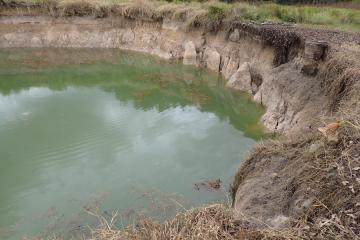
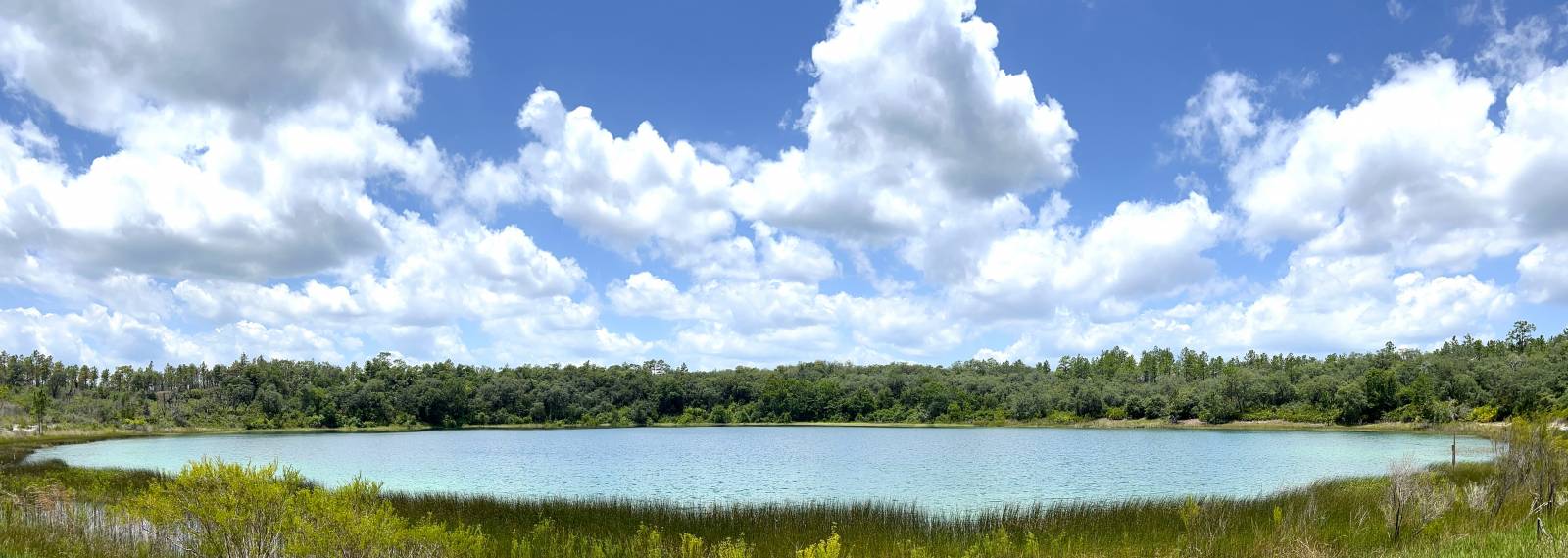
Sinkholes are a common feature of Florida's landscape. Learn more about sinkholes and FGS research.
Interested in subscribing to DEP newsletters or receiving DEP updates through email?
Sign UpThe Florida Department of Environmental Protection is the state’s lead agency for environmental management and stewardship – protecting our air, water and land. The vision of the Florida Department of Environmental Protection is to create strong community partnerships, safeguard Florida’s natural resources and enhance its ecosystems.
Learn More