
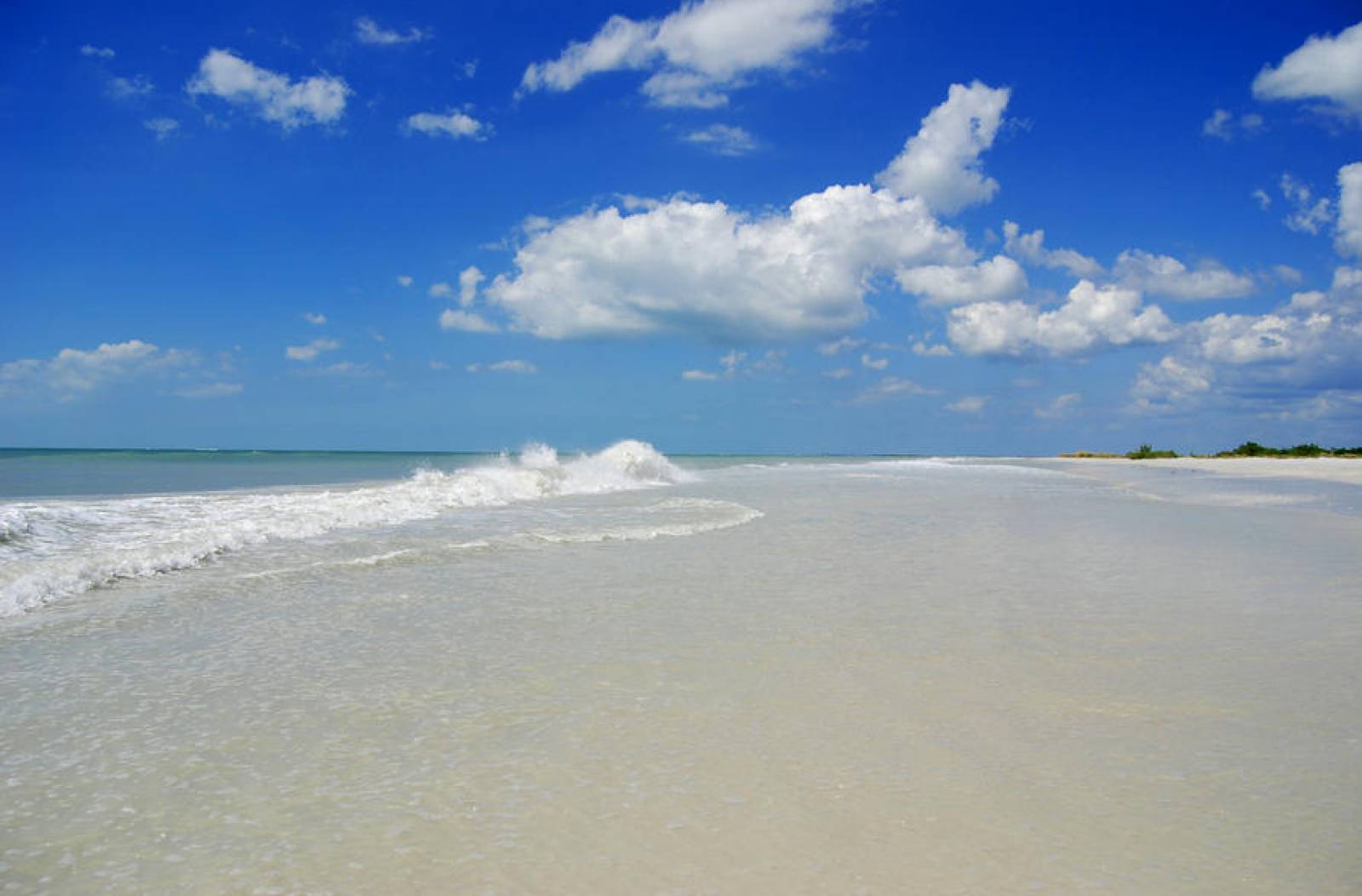
The Florida Department of Environmental Protection's Beaches Programs, within the Office of Resilience and Coastal Protection, have the primary mission of protecting, restoring and managing Florida's coastal systems. The 825 miles of sandy coastline fronting the Atlantic Ocean, the Gulf of Mexico or the Straits of Florida are one of Florida’s most valuable natural resources. Florida’s beaches are deserving of this status because they serve several important functions; they are all vital to maintaining the health of Florida’s economy and environment.
The coastal sandy beach system is home to many species of plants and animals dependent upon the beaches, dunes and nearshore waters for all or part of their lives. For example, beaches are used by resident and migratory shorebirds for resting, foraging and nesting. During summer months, marine turtles come ashore to nest on Florida's beaches. There are more than 30 plants and animals considered rare within the state that inhabit the beach and adjacent habitats. These plants and animals are adapted to living in the beach’s harsh environment of salt spray, shifting and infertile sand, and bright sunlight and storms.
Florida’s beaches are a primary attraction for almost 19 million tourists each year (Economic Evaluation of Florida’s Investment in Beaches, 2015). Tourists and residents come to the beaches to relax and enjoy the sights and sounds of natural beauty. Others visit the beaches and nearby waters to engage in boating, fishing, diving and other recreational activities. These factors make Florida's beaches are an integral part of the state's economy.
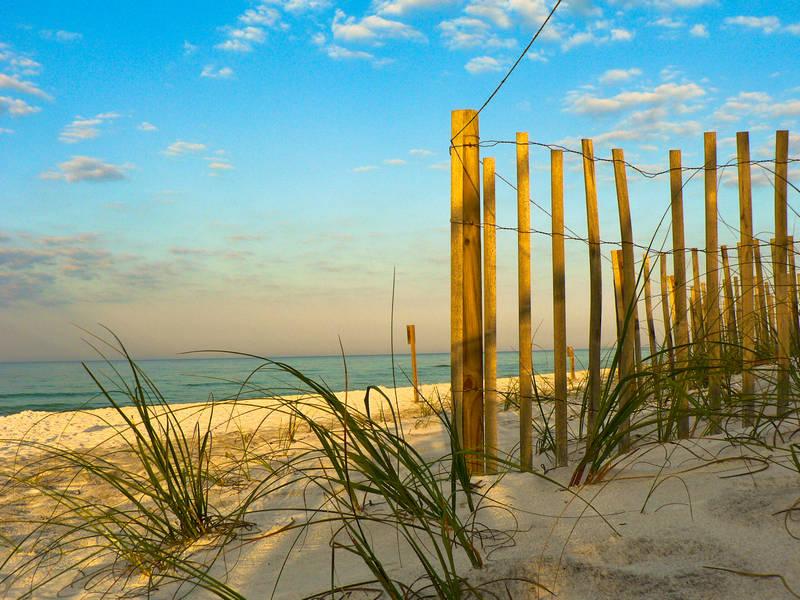
The beach and dune system is the first line of defense against storms because it acts as a buffer between storm waves and coastal development or infrastructure. During storms, waves reach the beach and dunes before they get to upland property. The beach and dune system absorbs wave energy and reduces damage to upland structures.
To protect, preserve and manage Florida’s valuable sandy beaches and adjacent coastal systems, the Florida Legislature adopted the Florida Beach and Shore Preservation Act, contained in Parts I and II of Chapter 161, Florida Statutes. The act provides three interrelated programs that the Department of Environmental Protection administers to protect the state's sandy beaches: the Coastal Construction Control Line; Beach Management Funding Assistance; and Beaches, Inlets and Ports programs.
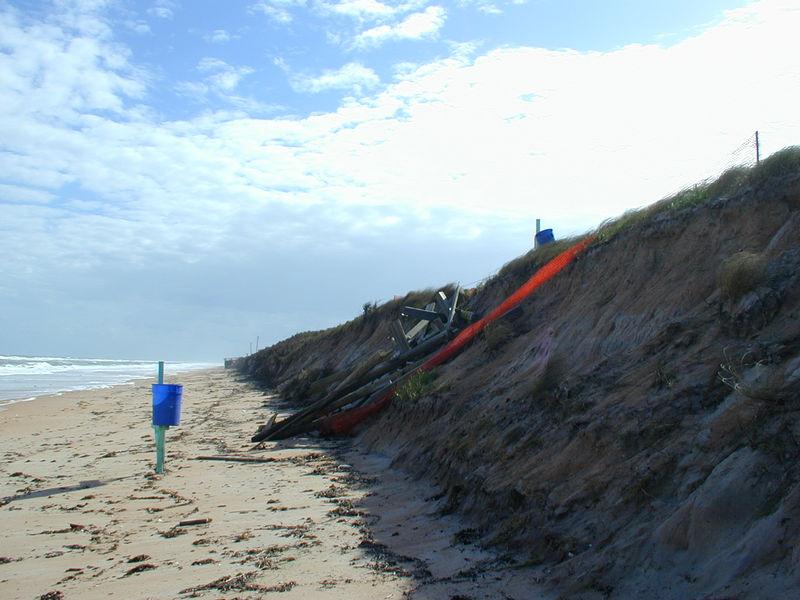
The Legislature recognizes that beach erosion is a statewide problem that does not confine its effects to local government jurisdictions. The department, by way of the Coastal Engineering and Geology Group, is charged with identifying beaches that are critically eroded to develop and maintain a comprehensive long-term management plan for their restoration. The long-term management plan has several components to it the department implements, including the Critically Eroded Beaches Report.
The department has an extensive historic shoreline database that has been collected since the early 1970s and continues to this day. Furthermore, the shoreline database has been contributed to extensively by private sector coastal engineering firms and hydrographic surveying firms as part of the monitoring protocol for beach restoration/ nourishment projects along the department’s range monuments. Additional information is collected on offshore sand sources and is housed in the department’s Regional Offshore Sand Source Inventory (ROSSI) database.
The ROSSI database enables users to make the most informed decision possible when it comes to the management of sand resources for beach restoration/nourishment projects. The ROSSI database is managed by the coastal engineering and geology staff.
Coastal habitat affected by critical erosion is typically restored through beach restoration/nourishment projects. Projects - whether on the beach or inlet facing the Atlantic Ocean, Gulf of Mexico, Straits of Florida or associated inlets - must apply for a joint coastal permit (JCP) through the Beaches, Inlets and Ports Program (BIPP). Activities that require a JCP include beach restoration or nourishment; construction of erosion control structures such as groins and breakwaters; public fishing piers; maintenance of inlets and inlet-related structures; and dredging of navigation channels that include disposal of dredged material onto the beach or in the nearshore area. BIPP also processes ERPs for navigational dredging of deepwater ports. These projects generally are below the mean high water line and extend into the sovereign submerged lands and are likely to affect the distribution of sand along the beach.
The department’s Coastal Construction Control Line (CCCL) Program protects coastal resources from improperly located and designed structures and activities that can destabilize the beach and dune system, cause erosion, expose upland property to storm damage or interfere with public access. In addition, coastal construction activities must be designed and conducted in a manner that protects sea turtles and dune plants. The CCCL program applies special siting and design criteria to construction, excavation and related activities to minimize impacts to the beach and dune system.
The CCCL location is set at the upland limits of the damaging effects of a 100-year coastal storm as predicted by coastal engineering models. Condominiums, hotels, homes, pools and boardwalks, etc., to be constructed seaward of the CCCL must meet the specific requirements of this program.
The department manages an interactive web-based mapping service known as Map Direct, which includes the latest aerial imagery and coastal attributes. Map Direct can be used to view projects or property along Florida’s coastline. Also available are the Collection of Aerials and Shoreline Trends System (COASTS) as well as hard-copy maps, which are made available from COASTS for printing.
The Beaches, Inlets and Ports Program planning staff is charged with updating and maintaining the Strategic Beach Management Plan (SBMP) and assisting the coastal engineering and geology staff with establishing or updating the Inlet Management Plans (IMP) to address critical erosion along Florida’s coastline. Planning staff also writes and updates the Annual Inlet Report. The strategies listed in both the SBMP and IMPs are considered eligible for state cost share and are considered components of the state’s long-term management plan for Florida’s sandy coastline.
The strategies listed in the plans address the erosion problems along Florida’s sandy coastline with the best coastal engineering and environmental alternatives for a segment of coastline or inlet.
The Beach Management Funding Assistance Program (BMFAP) works in concert with local sponsors to achieve protection, preservation, restoration and nourishment of the sandy beaches fronting the Atlantic Ocean, Gulf of Mexico and Straits of Florida, and for the management of inlets to replicate the natural drift of sand interrupted by improved, modified or altered inlets. State funding is requested annually through a local government funding request application process.
The BMFAP is tasked with executing funding assistance agreements for eligible feasibility, design, construction and monitoring tasks once appropriations are made by the Legislature.
Interested in subscribing to DEP newsletters or receiving DEP updates through email?
Sign UpThe Florida Department of Environmental Protection is the state’s lead agency for environmental management and stewardship – protecting our air, water and land. The vision of the Florida Department of Environmental Protection is to create strong community partnerships, safeguard Florida’s natural resources and enhance its ecosystems.
Learn More